

PIM Hub
One record per product. Languages and channels included.
Model your products with 18 attribute types, variants and category trees, and keep content per language and channel without duplicating products.
How it works
Set it up once. Change only what differs.
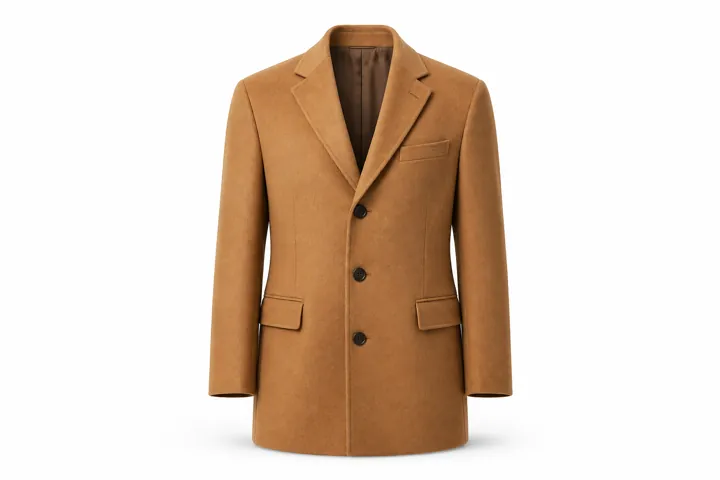
One coat, from product type to sizes.
01Model
Set up each product type once.
A product family sets its attributes, the channels each one applies to, and which fields variants can change.
02Localize
Switch language and channel on the page.
Each attribute can hold a value per language, per channel or both, without a second product.
03Variants
Sizes and colors under one parent.
Variants inherit the parent’s values. Choose which fields they can override, and generate codes from your own pattern.
Also in PIM Hub
More for your catalog team.
Catch bad values as you edit
Set length, range, format and unique-value rules per attribute, checked in the product editor.
Restore an earlier version
Product edits save numbered versions with who and when. People with restore permission can roll back.
Roles you define
Build roles from fine-grained permissions. Integrations get their own API keys and service accounts.
Import CSV and Excel with saved mappings
Suggested column matches, a sample check, and result and error files after each run.
Draft to Approved statuses
Draft, In review, Approved, Archived. Status changes update variants and show in version history.
A catalog health score from your agents
From agents that have run: open findings, pending suggestions and failed runs. Review by agent and severity.
Good to know
Straight answers.
Still curious? Email the founders
Can we bulk edit in the app?
Through import and the API. Import a CSV or Excel file with a saved mapping to change values across many products, or change the status of, or delete, up to 500 products per API call. The product list itself doesn’t offer bulk edits.
Do imports bring in images?
Imports set attribute values, the product family and categories, but not images. Upload images to DAM, then add them to the product’s media fields.
What does version history cover?
Each product keeps numbered versions of changes to its attributes, categories, variants and status, with who made each change and when. People with restore permission can roll a product back; restoring removes variants created after that version. Families, attribute settings, category trees, prices and DAM files aren’t versioned, versions can’t be compared side by side, and attribute edits from imports, the API and agents aren’t labeled separately from user edits.
Can we move from our current PIM?
Yes, through files. Export products from your current PIM and import them as CSV or Excel with a saved mapping, starting with a sample. Direct importers for other PIMs aren’t available, and images are uploaded to DAM separately. See the migration path from a legacy PIM.
What comes with PIM Hub?
The AI agents and Zen AI, and channel publishing to Amazon, Shopify and CSV or Excel feeds. DAM, Product Pricing, Brand Hub and Site search are add-ons that work on the same catalog.
Works with
See PIM Hub on your own products.
Once we connect, we load a sample of your products.